

Co-Founder & Director
Lee Robinson

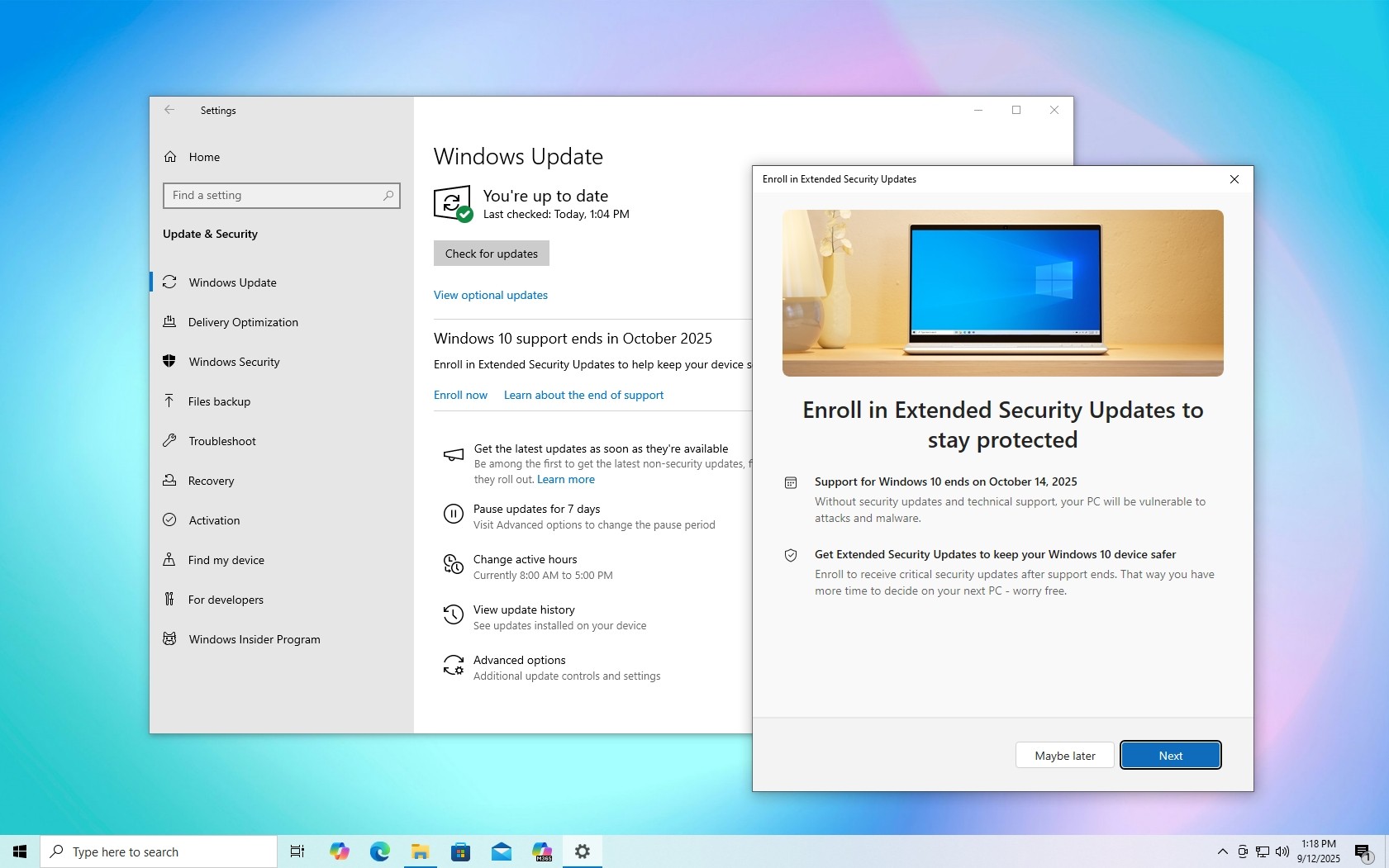
Windows 10 is no longer supported — and standing still now carries real business risk.
Windows 10 End of Life: Why Action Is Essential
The end of life of Windows 10 means devices running it no longer receive standard security updates or patches. For businesses, this significantly increases exposure to cyber threats, ransomware, and data breaches.
From an IT governance and GDPR compliance perspective, continuing to operate unsupported operating systems can be difficult to justify. Regulators and insurers increasingly expect organisations to demonstrate that reasonable steps have been taken to protect systems and data — outdated software undermines that position.
Meta Eagle’s Clear Recommendation: Upgrade First, Replace Where Necessary
At Meta Eagle, our position is clear and consistent. First and foremost, businesses should upgrade eligible devices to Windows 11 Pro wherever possible. Windows 11 provides a modern security baseline, stronger device protection, and long-term vendor support aligned with current cyber risk prevention standards.
Where devices are unable to support Windows 11 due to hardware limitations, our recommendation is to replace them. In most cases, these machines are already aged, inefficient, and more expensive to support. Replacing outdated hardware improves performance, reliability, and security while reducing ongoing operational risk.
This approach delivers the best long-term outcome for organisations — technically, financially, and from a compliance standpoint.
What Are Windows 10 Extended Security Updates (ESU)?
For organisations that cannot immediately upgrade or replace all devices, Microsoft offers the Windows 10 Extended Security Updates (ESU) programme. ESU is a paid subscription that provides critical and important security updates for Windows 10 for a limited time beyond its official end-of-life date.
It is important to be clear about the scope of ESU. It delivers security updates only. There are no new features, no performance improvements, and no general product support. ESU simply reduces immediate exposure to known and newly discovered vulnerabilities.
ESU as a Last Resort, Not a Long-Term Strategy
ESU should be viewed strictly as a short-term safety net, not a permanent solution. It is most appropriate for organisations that:
Do not currently have the capital expenditure available for immediate hardware replacement
Were unable to plan sufficiently ahead for Windows 10 end of life
Need additional time to phase upgrades in a controlled, low-risk manner
In these scenarios, ESU provides breathing space. It allows businesses to maintain a basic security posture while avoiding rushed purchasing decisions or unplanned disruption.
However, ESU should always be accompanied by a clear and time-bound plan to upgrade to Windows 11 or replace unsupported hardware in the near future. Continuing to rely on extended updates delays progress and prolongs exposure to operational and compliance risks.
A Smarter Way to Manage IT Risk
A well-managed organisation treats operating system lifecycle planning as a core part of its IT security and infrastructure strategy. Temporary measures like ESU can be useful — but only when paired with a defined roadmap and proactive decision-making.
For prospective customers, ESU can offer short-term relief, but the real value comes from moving to supported platforms that reduce cyber risk, simplify compliance, and support long-term growth.
Final Thoughts
Windows 10 end of life is a milestone that demands action. Upgrading to Windows 11 or replacing legacy hardware remains the best option for most businesses. Extended Security Updates exist to buy time — not to delay inevitable change indefinitely.
Organisations that use this time wisely will be far better positioned to protect their data, their people, and their reputation.
Appendix
Microsoft Learn: Windows Extended Security Updates
Microsoft Lifecycle FAQ: Windows Products
Microsoft Tech Community: When to Use Windows 10 Extended Security Updates
Industry guidance on endpoint security, operating system lifecycle management, and cyber risk prevention


