Co-Founder & Director
Lee Robinson

Choosing the right Microsoft 365 plan can transform your business productivity and cybersecurity posture.
Understanding Microsoft 365 for Business
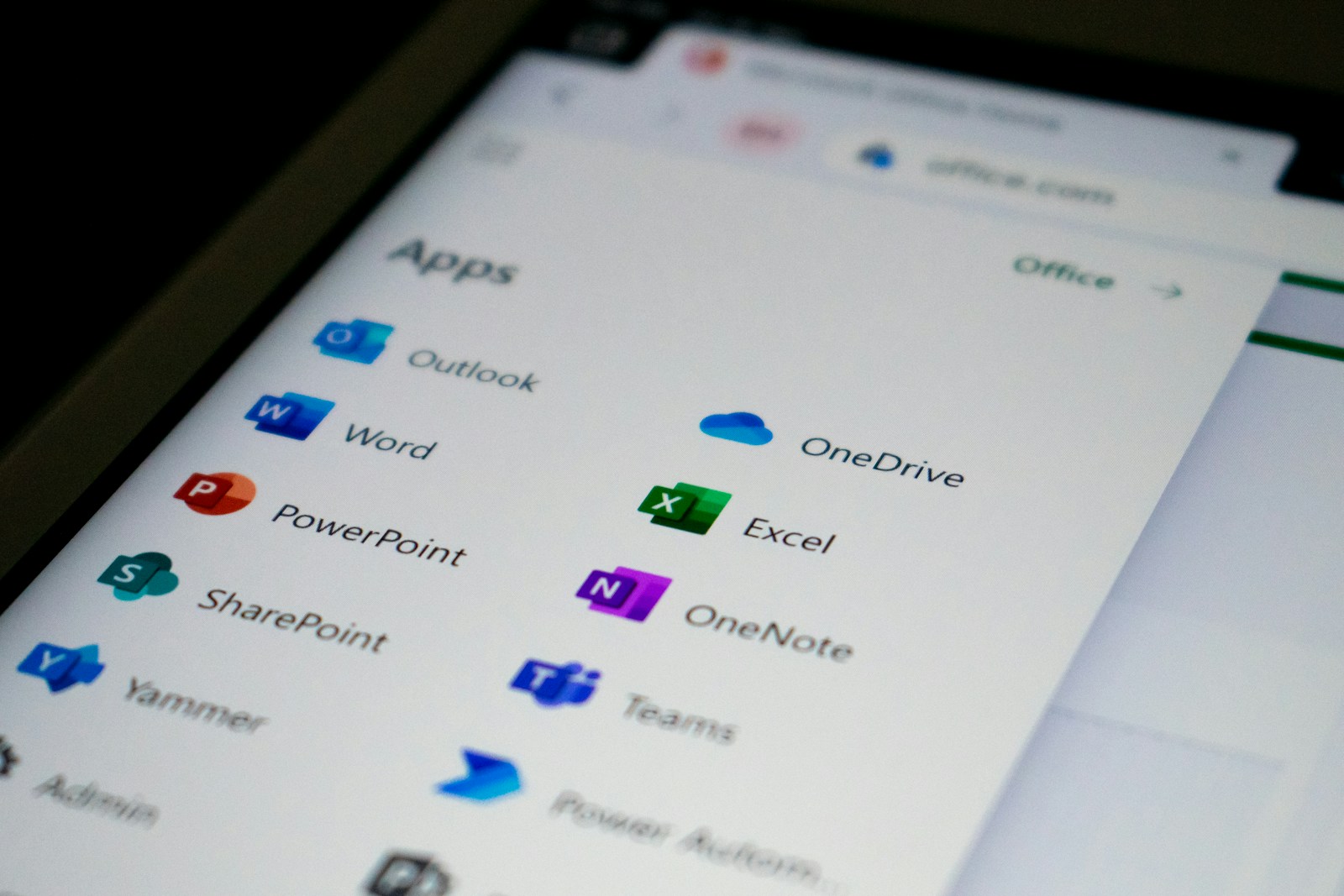
Microsoft 365 offers a suite of cloud-based tools designed to enhance productivity, collaboration, and security across modern workplaces. However, not all plans are created equal. The Business Standard and Business Premium plans both include essential applications such as Word, Excel, PowerPoint, Outlook, Teams, and OneDrive — but the difference lies in security, compliance, and IT management capabilities.
For many organisations, choosing between these two plans depends on whether their primary focus is collaboration and productivity or a more comprehensive security and compliance framework.
What’s Included in Microsoft 365 Business Standard
Microsoft 365 Business Standard provides all the core Office applications and collaboration tools most small and medium-sized businesses need.
Key inclusions:
Office apps: Word, Excel, PowerPoint, Outlook, Publisher (PC only), and Access (PC only).
Collaboration tools: Microsoft Teams, SharePoint, and Exchange.
Cloud storage: 1 TB per user with OneDrive.
Web and mobile app access: Work securely from any device.
This plan focuses on boosting productivity and connectivity — offering the essential tools to work smarter, communicate effectively, and store files securely in the cloud.
However, it does not include advanced features for device protection, cyber threat defence, or compliance management, making it better suited for organisations with lower security requirements.
What’s Included in Microsoft 365 Business Premium
Microsoft 365 Business Premium includes everything from the Standard plan, plus advanced features designed to enhance security, compliance, and device management.
Enhanced inclusions:
Microsoft Intune: Enables centralised device and app management, ensuring compliance across your organisation.
Azure Information Protection (AIP): Protects sensitive data through classification, labelling, and encryption.
Microsoft Defender for Business: Provides enterprise-grade threat protection against ransomware, phishing, and malware.
Conditional Access & Multi-Factor Authentication (MFA): Enforces security policies that safeguard data access.
With these additions, Business Premium transforms Microsoft 365 into a complete managed IT environment. It supports businesses that need to meet regulatory standards, such as GDPR compliance, and provides better control over data security and device integrity.
Key Differences at a Glance
Feature | Business Standard | Business Premium |
|---|---|---|
Office apps | ✅ | ✅ |
Cloud storage (1 TB) | ✅ | ✅ |
Microsoft Teams & SharePoint | ✅ | ✅ |
Microsoft Intune | ❌ | ✅ |
Azure Information Protection | ❌ | ✅ |
Microsoft Defender for Business | ❌ | ✅ |
Advanced compliance tools | ❌ | ✅ |
Conditional Access & MFA policies | ❌ | ✅ |
In essence, Business Premium is built for organisations that manage sensitive data or require strong cyber defences, while Business Standard is ideal for productivity-focused businesses without complex compliance needs.
Which Plan Should You Choose?
If your organisation handles confidential data, operates in regulated sectors, or has a remote workforce, Business Premium provides the advanced protection and control you need.
However, if your main goal is to enhance collaboration and productivity without extensive IT management, Business Standard delivers everything necessary at a lower cost.
Partnering with a managed IT provider like Meta Eagle ensures you deploy and secure Microsoft 365 correctly — maximising ROI and maintaining a strong cybersecurity posture.