

Co-Founder & Director
Lee Robinson

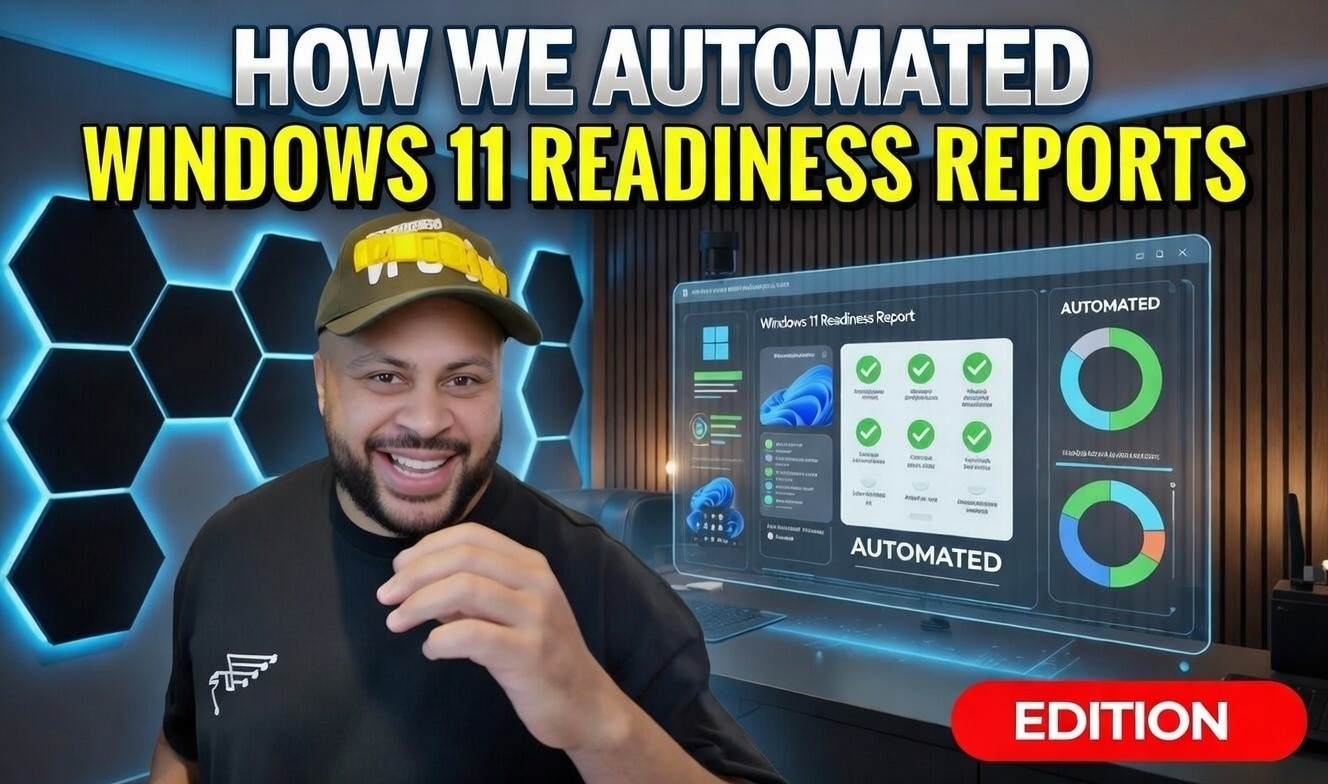
Windows 10 has now reached end of life — Upgrading is no longer optional. Automated workstation readiness reporting ensures your business stays secure, compliant, and operational in a post-Windows 10 world.
Windows 10 Is Now Unsupported — What That Means in 2026
As of October 2025, Windows 10 officially reached end of life. There are no further mainstream security updates, no vulnerability patching, and no ongoing protection against newly discovered exploits unless organisations are paying for limited Enhanced Security Updates (ESU).
Now, in February 2026, the conversation has shifted. It is no longer about preparing for the deadline — it is about identifying what was missed, managing residual risk, and ensuring every endpoint across the business is compliant and secure.
For organisations that delayed action, unsupported devices now represent:
Increased cyber security exposure
Potential GDPR compliance risks
Complications with cyber insurance coverage
Greater operational vulnerability
The key issue is visibility. You cannot secure what you cannot see.
Why We Built an Automated Reporting Tool in Early 2025
At the beginning of 2025, we recognised that manually auditing workstation estates was becoming unsustainable. As a Managed Service Provider supporting multiple organisations, we needed a scalable way to:
Assess entire device estates quickly
Identify Windows 11 compatibility gaps
Highlight hardware constraints
Provide clear, executive-ready reporting
The result was an internally developed Windows 11 readiness reporting tool designed to automate compatibility analysis across thousands of endpoints.
While originally built to integrate with N-able Insight exports, the tool works with standardised CSV data from virtually any RMM platform.
The goal was simple: remove spreadsheet chaos and replace it with structured, repeatable reporting.
How the Tool Assesses Workstation Readiness
The application processes a full asset inventory and evaluates every device against Microsoft’s Windows 11 hardware requirements.
This includes checks for:
Supported processor generation
Minimum RAM thresholds
Presence of TPM 2.0
Current operating system status
However, we took the process further than Microsoft’s minimum specifications.
While 4GB RAM technically meets baseline requirements, this is not commercially viable for modern business applications. We implemented internal review thresholds:
8GB RAM as the practical operational minimum
16GB RAM as the recommended business standard
Devices can also be manually flagged for review where contextual judgement is required — because automation should inform decision-making, not replace it entirely.
From Technical Data to Executive Clarity
One of the biggest challenges in IT security and infrastructure planning is translating technical findings into business insight.
The reporting platform generates clear summaries showing:
Devices already on Windows 11
Compatible devices ready for upgrade
Non-compatible hardware requiring replacement
Machines requiring human review
Reports can be exported as professional PDFs, allowing stakeholders to quickly understand financial impact, security risk, and upgrade priorities.
For MSP environments managing dozens of estates and thousands of devices, this automation transformed reporting from a reactive, manual process into a strategic service capability.
The Post-Deadline Reality in 2026
Now that Windows 10 support has ended, organisations fall into one of three categories:
Fully Migrated
These businesses acted early, upgraded in a controlled manner, and reduced exposure.
Partially Migrated
Some devices remain unsupported due to hardware limitations, procurement delays, or budget cycles.
Delayed or Deferred
Organisations relying on ESU or running unsupported machines face increasing cyber risk as new vulnerabilities emerge.
In 2026, the focus is no longer simply migration — it is lifecycle governance. Workstation estates must be continuously reviewed against:
Security patching status
Hardware viability
Compliance requirements
Performance standards
Automated reporting enables this to happen routinely, not just during major OS transitions.
Why Ongoing Visibility Is Now Essential
Windows 10 end of life was a milestone, but it should not be treated as a one-off event. Technology lifecycles will continue to shorten. Hardware requirements will continue to increase. Security threats will continue to evolve.
Businesses that implement structured, automated reporting gain:
Continuous IT security oversight
Proactive cyber risk prevention
Improved GDPR compliance alignment
Predictable budgeting for hardware refresh cycles
Stronger governance and board-level transparency
In short, automation moves IT from reactive firefighting to strategic infrastructure management.
At Meta Eagle, the lesson from the Windows 10 transition is clear: readiness reporting should not start six months before a deadline — it should be embedded into ongoing managed IT services.
Appendix
Microsoft Windows 10 End of Support Documentation
Microsoft Windows 11 Hardware Requirements
National Cyber Security Centre (NCSC) Guidance on Supported Software
UK GDPR Article 32 – Security of Processing


