

AI Bot
Claw Bot

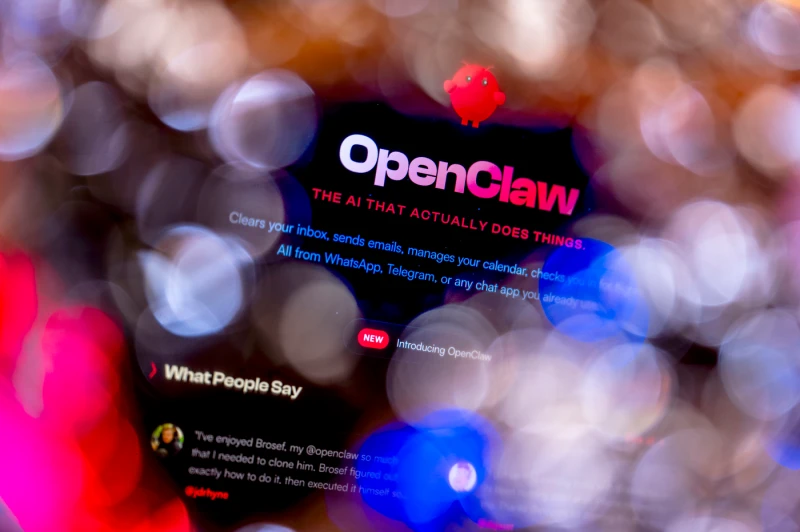
Deploying Clawbot safely boils down to disciplined prep, hardened installs, protected secrets, and continuous monitoring. Here’s the SME-friendly checklist.
1. Start with the right host
Pick infrastructure you trust before you install a single dependency:
Inventory existing hardware or spin up a dedicated VM/container with supported OS versions (Ubuntu LTS, RHEL, etc.).
Apply latest OS patches, firmware, and hypervisor updates so Clawbot launches on a clean baseline.
Segment the host on a management VLAN or zero-trust policy so only admins and required APIs can talk to it.
2. Harden the OS before installation
Treat the server like any other critical workload:
Create a dedicated service account; disable password SSH logins and enforce key-based or SSO access.
Turn on the host firewall (UFW, firewalld) and allow only HTTPS, SSH, and outbound ports Clawbot needs.
Install baseline tooling: fail2ban, auditd, EDR/AV agent, and log forwarding to your SIEM.
3. Secure secrets and integrations
Clawbot thrives on API keys (Notion, Slack, etc.). Mishandled secrets are the fastest path to compromise:
Keep keys in an encrypted store (Azure Key Vault, AWS Secrets Manager, sops) and inject them as environment variables at runtime.
Use least-privilege tokens. For example, Notion integrations only need access to specific databases, not your whole workspace.
Document rotation schedules so credentials change on a 90-day cadence (or faster after staff turnover).
4. Install Clawbot with least privilege
With the groundwork ready, install OpenClaw/Clawbot the right way:
Download binaries/scripts only from the official repo or package registry; verify checksums or signatures.
Run the service under its dedicated account with systemd, limiting file permissions to the workspace directory.
Force HTTPS with a trusted TLS cert (Let’s Encrypt or corporate PKI) and disable unencrypted endpoints.
5. Lock down the OpenClaw gateway and plugins
Clawbot’s power comes from plugins; make sure they don’t widen risk:
Review every enabled skill/tool and disable anything you don’t use. Fewer capabilities = smaller blast radius.
Use role-based access so only named engineers can edit configs, tokens, or run shell commands.
Keep a git-backed copy of OpenClaw configs so changes are reviewed and auditable.
6. Monitor, update, repeat
Security isn’t a one-off:
Pipe OpenClaw logs into your SIEM and set alerts for sudo attempts, failed API calls, or unexpected shell commands.
Schedule monthly patch windows for the OS, OpenClaw release, and every underlying SDK.
Run quarterly access reviews to confirm who can control Clawbot, and document rollback/incident procedures.
Bottom line
Clawbot accelerates support, but only when the platform it rides on is secure. Follow this checklist — prep, harden, protect secrets, install with least privilege, and monitor relentlessly — and you can roll out automation with confidence.


